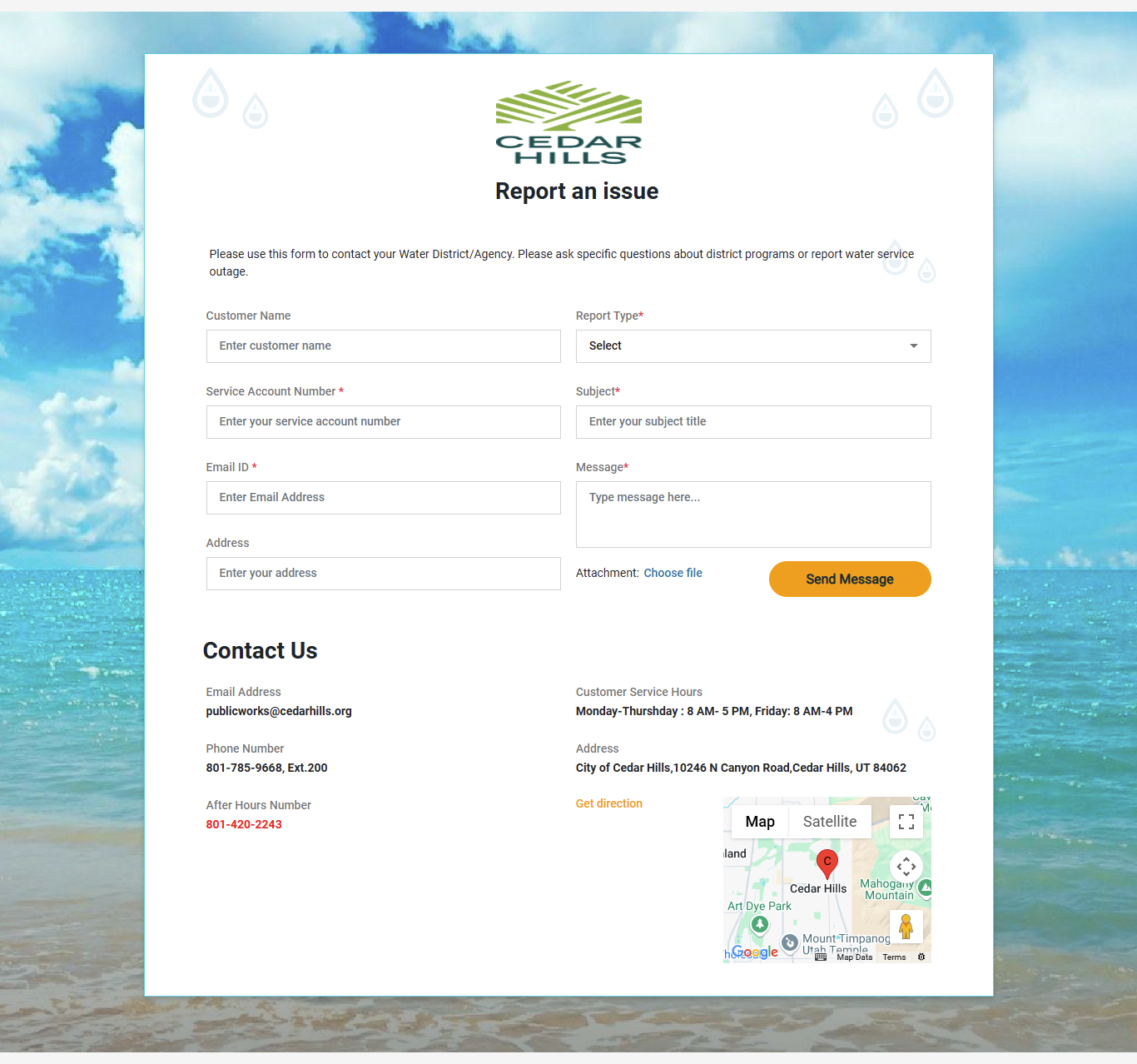
LogIn
The customer can open this URL in any browser (Google Chrome, Safari or Microsoft Edge)
LogIn with Email
Here customer need to LogIn with details asked in "Sign In” Form
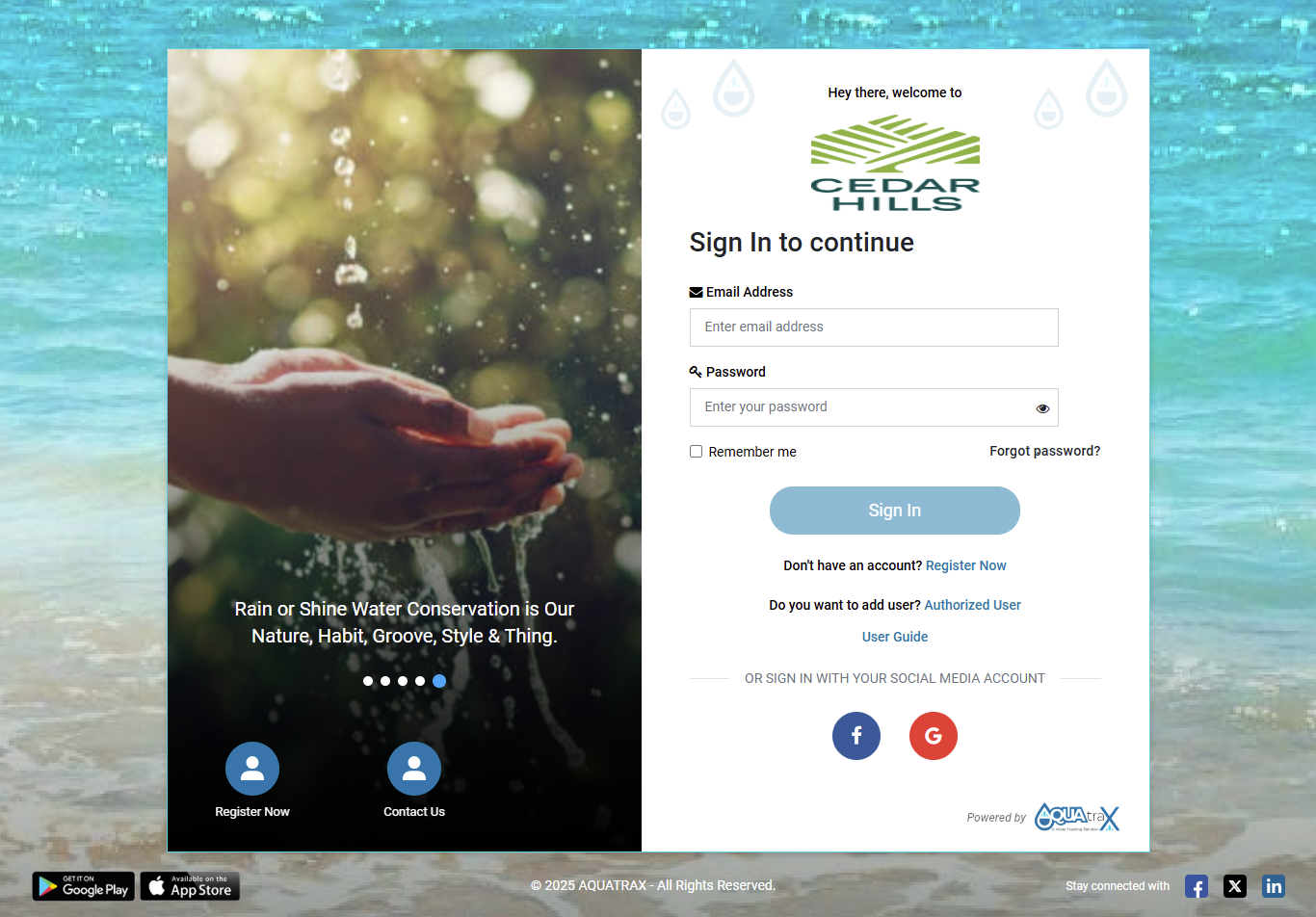
Types of Login-
1- Login with Email
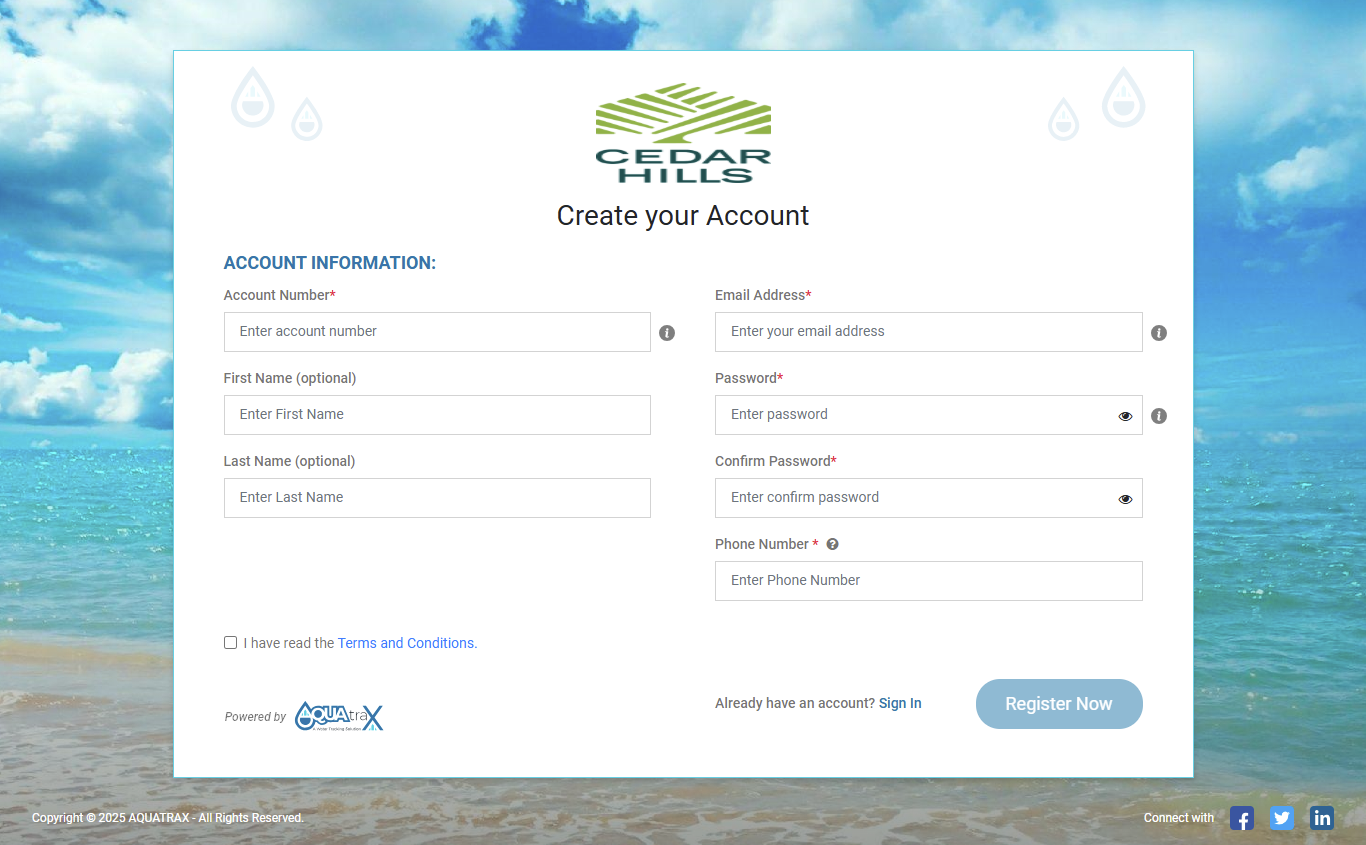
Here customer need to register with details asked in "Register Now” From.
2- Auto-Registration
The customers will get registered automatically on Aquatrax Portal and receive an Email for the Registration success with a link to change their password.
3- Login with Google
Customers can sign in quickly using their Google account.
Steps:
- ⦁ Go to the Sign In page.
- ⦁ Click the Google (G) icon under “Sign in with your social media account.”
- ⦁ A Google login window will open.
- ⦁ Enter your Google email and password (or select an already logged-in Google account).
- ⦁ After successful authentication, you will be redirected to your Aqua Trax dashboard.
4- Login with Facebook
Customers can sign in using their Facebook account.
Steps:
- ⦁ Open the Sign In page.
- ⦁ Click the Facebook (F) icon under “Sign in with your social media account.”
- ⦁ A Facebook login window will appear.
- ⦁ Enter your Facebook credentials and allow access (if prompted).
- ⦁ You will be logged in and redirected automatically.
Registration
On clicking "Register Now", the customer will be navigated to this screen where customers can Fill out their details and confirm their registration.
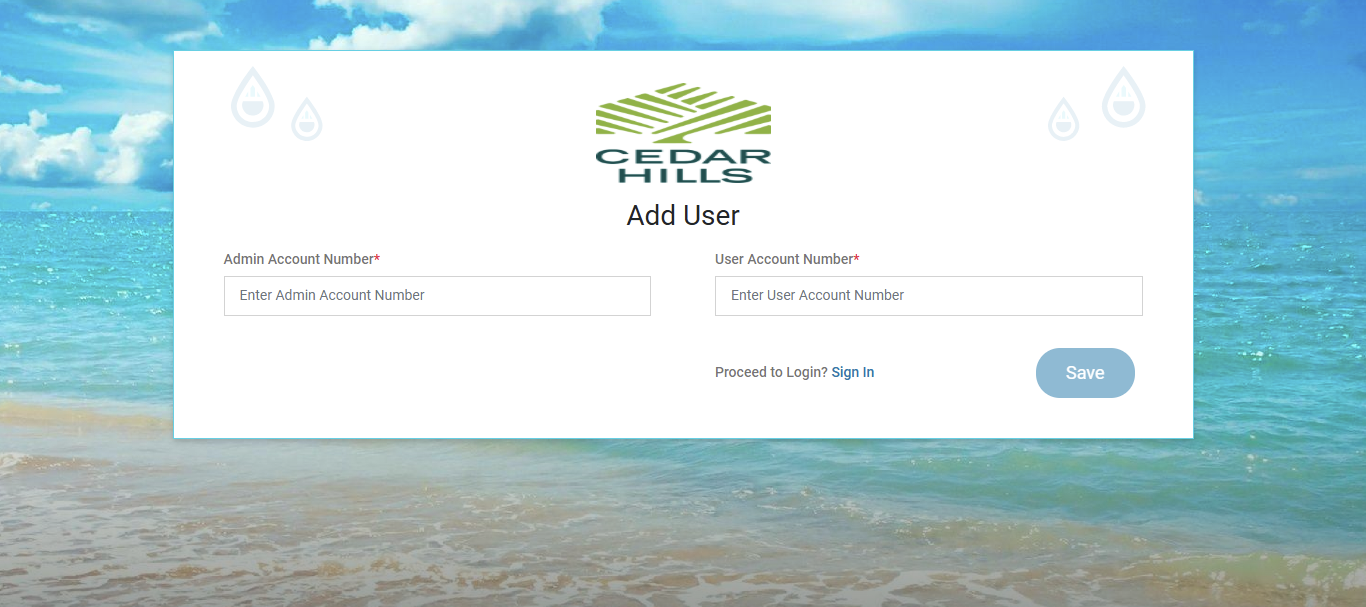
Authorized User
It is basically developed so that tenants/owners can add their multiple accounts under one admin/Main account to see and control notifications.
Forgot Password
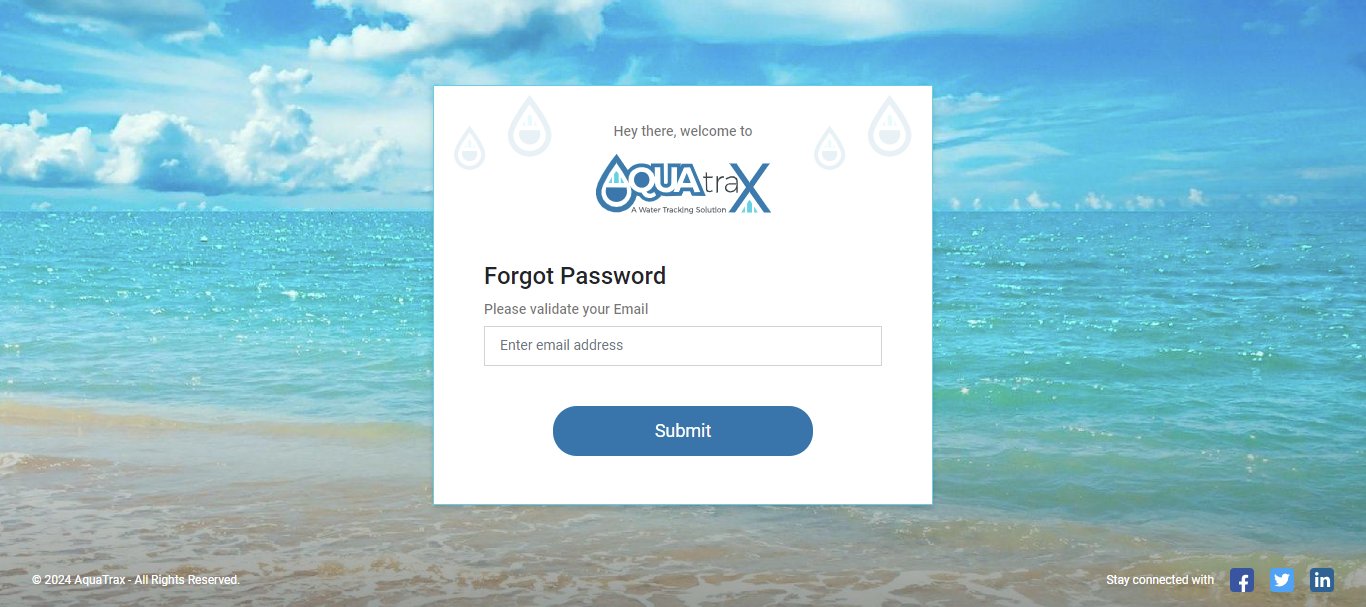
The Forget Password feature allows users to securely reset their passwords in case they forget them. This ensures account access while maintaining security protocols.
-
Request Password Reset:
- 1. On the login page, click on the "Forgot Password" link.
- 2. Enter your registered email address and click submit.
- 3. If the email is valid, you will receive a password reset link via email.
-
Verify Email:
- 1. Open the email and click on the provided reset link (valid for 24 hours).
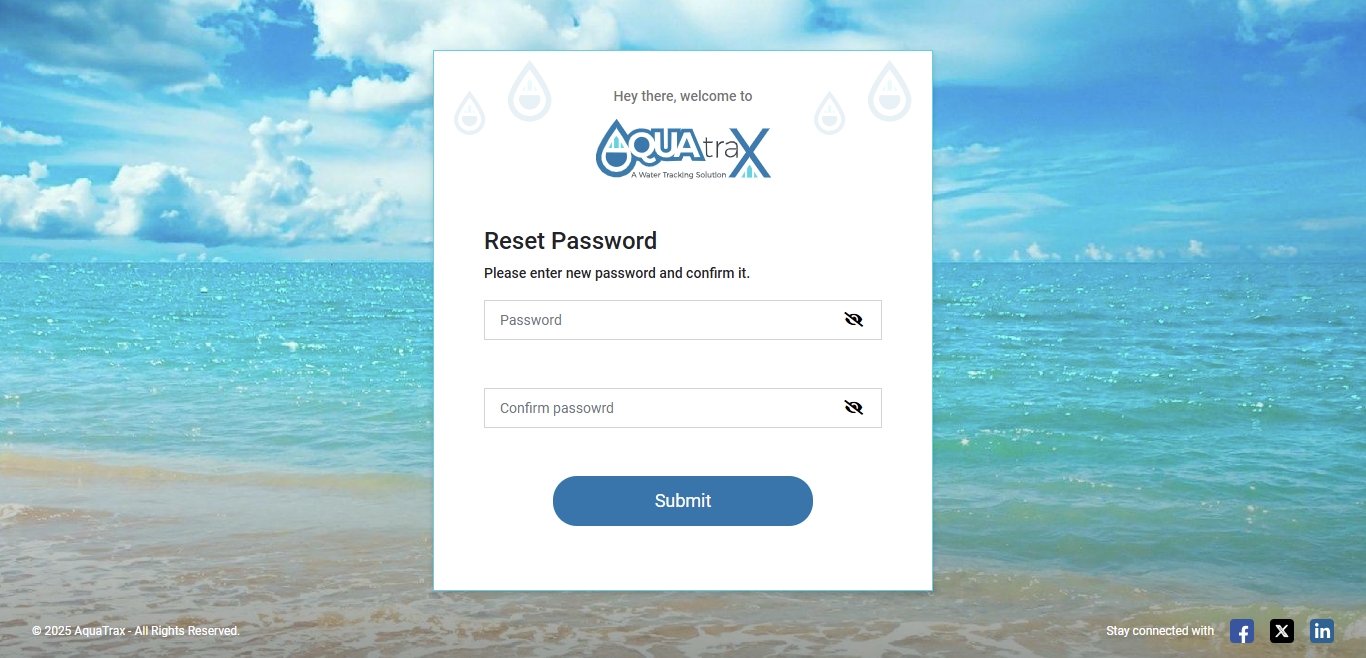
- 2. You will be redirected to the password reset page.
-
Set a New Password:
- 1. Enter a new password and confirm it.
- 2. Password must meet these security requirements:
- 8-12 characters
- At least one uppercase, one lowercase, one digit, one special character and (@, #, $, !, %)
-
Confirm Update:
- 1. Submit the form to update your password.
- 2. You will receive a confirmation email once it's successfully changed.
-
Important Notes:
- 1. If your email isn’t recognized, an error message will be displayed.
- 2. The system ensures security by verifying reset links and enforcing password policies.
Report An Issue
How to Report an Issue on Our Website or App
Follow these simple steps to report an issue if you are facing any issues while registration of logging in:
-
1. Go to the Website or App:
- Visit the utility's official website or open the mobile app.
- Click on the "Contact Us" option.
-
2. Enter Required Information:
- Provide your Service Account Number (You can check this on your bill) and Email Address (mandatory).
- Optionally, you can enter your Name, Address, and upload Attachments.
-
3. Choose Report Type:
- Select the appropriate issue type from the given list.
-
4. Provide Issue Details:
- Enter a Subject and describe the issue in detail.
-
5. Upload Files (Optional):
- You can upload photos or documents related to the issue.
- Capture images with location details if needed.
-
6. Submit the Report:
- Click the "Submit" button to send your report.
-
7. Tracking Your Issue:
- Your reported issue will appear in the issue list on our Admin portal.
-
8. For Urgent Issues:
- Call the emergency contact number provided on the website or app.
If you have any questions, feel free to contact our support team.